

 In development
Everything IT. Documented.
Each client's documents, passwords, configurations and procedures live in one place, laid out the same way for every client.
The answer should not leave when the technician does.
In most MSPs the real documentation is in someone's head, a shared drive, and a spreadsheet of passwords. IT Documented gives every client the same structure, so anyone on the team can find the firewall login or the onboarding steps without asking around.
One home for IT knowledge.


Documents
Procedures and notes in folders, with every saved version kept and restorable.
Passwords
Stored encrypted, with a record of who revealed each one and when.
Configurations
Device details for each client, kept current from the machines themselves.
Flexible assets
Your own record types for networks, licences, vendors and sites.
Checklists
Repeatable jobs written once and worked step by step.
Domains and certificates
Found and tracked automatically, with expiry dates.
Expirations
Upcoming renewals in one list, soonest first.
Search
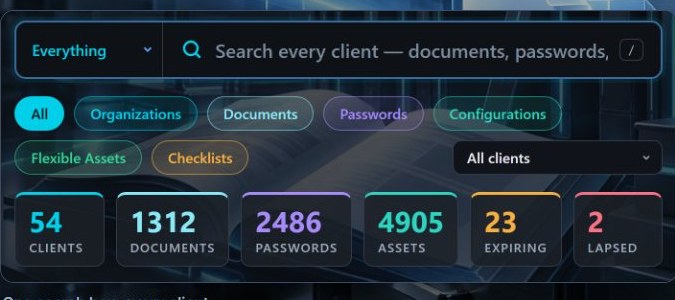
One search box across everything.
Playbooks
Fixes turned into shared procedures, linked to the devices and passwords they need.
Buy it once. Keep it.
One-time purchase
Not a monthly subscription.
Yearly maintenance plan
Covers updates. If it lapses, the software keeps working.
Self-hosted
It runs on your own server. A hosted option may follow.
Written down once. Found by anyone.
MSP owners
Client knowledge stays in the business.
Technicians and engineers
The password and the procedure, found in one search.
Want to know when it is ready?
Tell us about your MSP and we will let you know when IT Documented opens.
